Build a Compound Engineering Workflow in Hermes Agent
Step-by-step guide to implementing Every Inc's Compound Engineering methodology using Hermes Agent — mapping /ce-* commands to Hermes skills and cron jobs.
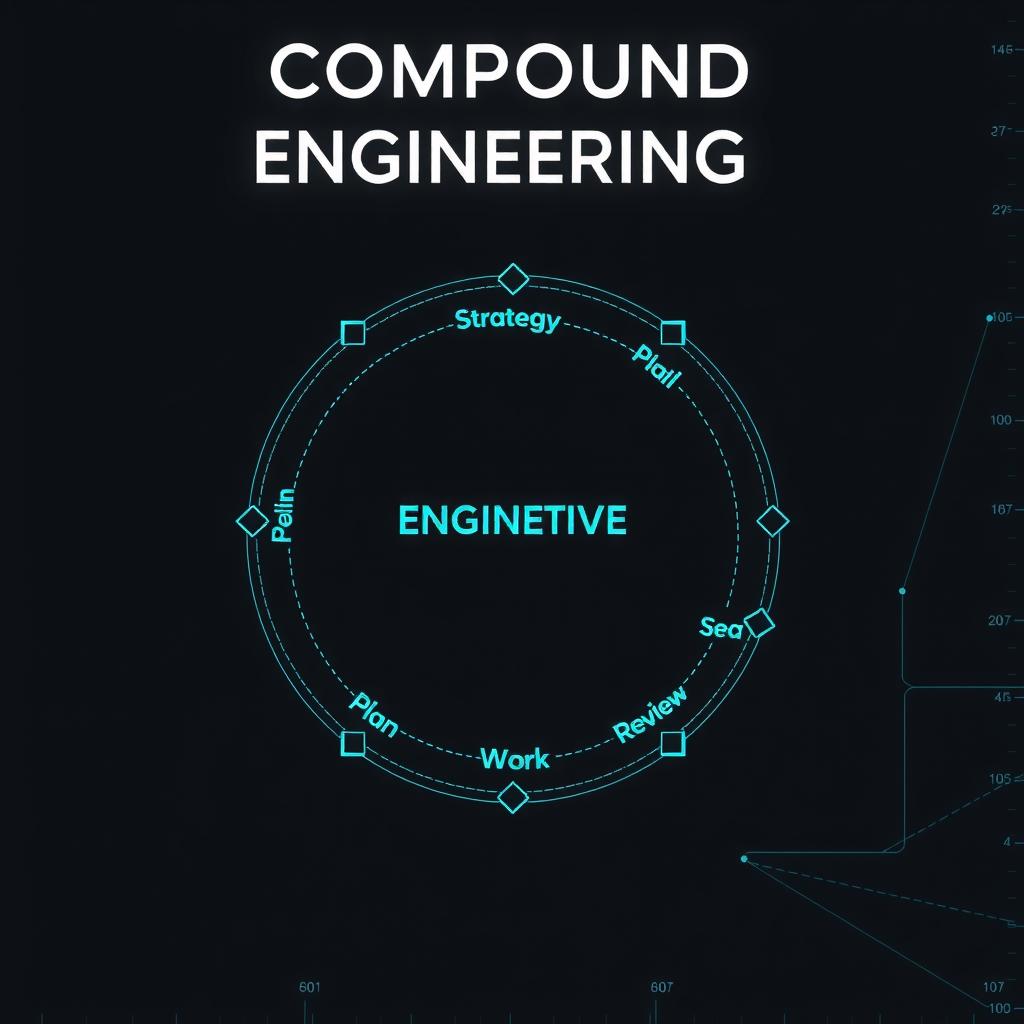
Every Inc’s Compound Engineering methodology has gained significant traction — the open-source plugin has 17.7k GitHub stars and 1.4k forks. Built for Claude Code, Codex, Cursor, and other AI coding tools, it provides 37 skills and 51 agents organized around a core loop: Strategy → Plan → Work → Review → Compound.
But what if you’re using Hermes Agent instead? This guide shows how to implement the same compound engineering workflow using Hermes Agent’s native capabilities — skills, cron jobs, memory, and tool orchestration.
What Is Compound Engineering?
Compound Engineering is a development methodology where each feature makes the next one easier to build. The key insight is that 80% of engineering time should go to planning and review, with only 20% going to execution and documentation.
The methodology was created by Every Inc and is detailed in their Chain of Thought article. The open-source implementation is at github.com/EveryInc/compound-engineering-plugin.
The Core Loop
The Compound Engineering workflow follows a four-step cycle:
| Step | Activity | Hermes Equivalent |
|---|---|---|
| Plan | Research requirements, explore approaches, write implementation plan | Hermes planning skills + web research |
| Work | Execute the plan, write tests, implement features | Hermes code execution + terminal tools |
| Review | Multi-perspective code review, extract lessons | Hermes code review workflow + MCP review server |
| Compound | Document learnings for future work | Hermes memory + knowledge skills |
Mapping /ce-* Commands to Hermes
The Compound Engineering plugin provides slash commands like /ce-plan, /ce-work, and /ce-compound. Here’s how to replicate each one in Hermes Agent:
/ce-strategy → STRATEGY.md Document
The strategy document anchors all planning work. In Hermes, create a STRATEGY.md file in your project root:
# Project Strategy

## Target Problem
What problem are we solving?

## Approach
Technical direction and architecture choices

## Persona
Who uses this and what do they need?

## Metrics
How do we measure success?

## Tracks
Active work streams and dependencies
Reference this file from the project’s AGENTS.md or load it as context when starting a new feature.
/ce-brainstorm → Hermes Research + Planning Skills
The brainstorming command produces structured requirements. In Hermes, use web research tools followed by structured planning:
# ~/.hermes/skills/features/brainstorm-feature/SKILL.md
description: "Research a feature request and produce requirements"
steps:
  - Web search for similar implementations and best practices
  - Read current codebase structure and existing patterns
  - Write requirements document with success criteria
  - Review with project strategy alignment
/ce-plan → Delegated Task Plans
Compound Engineering plans include confidence checks and external research. In Hermes, use delegate_task with structured goals that include research requirements.
/ce-work → Task Execution
Work items are executed against the plan. Use Hermes terminal and file tools to implement features, with todo tracking for progress.
/ce-code-review → MCP Review Server
The Compound Engineering review pipeline uses 23 specialized reviewer agents. Hermes Agent’s MCP review server (configured via mcp_servers in config.yaml) provides structured code review. You can define multiple review personas by loading different review skills.
/ce-compound → Hermes Memory
The compounding step captures learnings. In Hermes, use the memory tool to save durable facts and patterns. Create a structured format:
Feature: [name]
Date: [date]
Decisions: [key architectural decisions]
What worked: [successful approaches]
What didn't: [failed approaches]
Follow-ups: [future improvements]
Setting Up a Knowledge Compounding Pipeline
The most important part of compound engineering is the knowledge loop. Here’s how to set it up in Hermes:
- Create a compound knowledge skill that saves patterns to memory after completing features.
- Configure cron jobs for periodic knowledge refresh (reviewing stale memories).
- Load past learnings as context before starting new features by referencing
memory_recallin your workflow.
Example: A Feature Development Workflow
Here’s how a complete feature development cycle looks in Hermes Agent:
# Step 1: Research and plan
# - Load STRATEGY.md for project context
# - Search web for best practices
# - Review past compound learnings
# - Write implementation plan

# Step 2: Implement
# - Execute plan tasks
# - Write tests alongside code
# - Track progress with todo

# Step 3: Review
# - Run code review via MCP server
# - Check quality gates
# - Address findings

# Step 4: Compound
# - Save learnings to memory
# - Update STRATEGY.md if needed
# - Archive old context
Getting Started
To implement compound engineering in your Hermes Agent setup:
- Read the full Compound Engineering article for context
- Browse the plugin source for workflow patterns
- Create your
STRATEGY.mdfile - Set up a compound knowledge skill using Hermes memory
- Start your next feature with research and planning before execution
The methodology works with any AI coding tool — the patterns transfer, even if the specific commands don’t.
📖 Related Reads
- NoCode Insider — AI workflow automation with no-code tools, agents, and APIs
- ToolBrain — tool reviews, LLM comparisons, and AI workflow guides
- NiteAgent — AI agent development, frameworks, and production patterns
Cross-links automatically generated from Hermes Tutorials.